
← Help Center · Basic administration
Manage and add companies in Vialumina
This guide shows how to create, search for and edit companies in the Vialumina web interface. The article is intended for administrators who manage several organisations in the system.
Step 1 – Go to Companies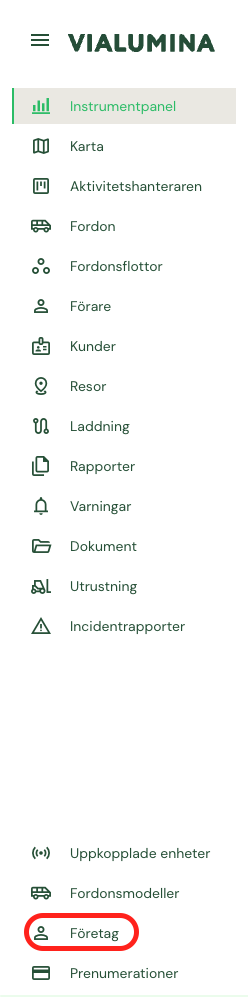
- Start by navigating to “Companies” in the menu.
- If you administer more than one company, the selected company is highlighted in the list.
Step 2 – Add a company
- Click the Add company button in the top right corner.
Step 3 – Enter company information
- A window opens. Fill in the company information and click Create.
Step 4 – Search for a company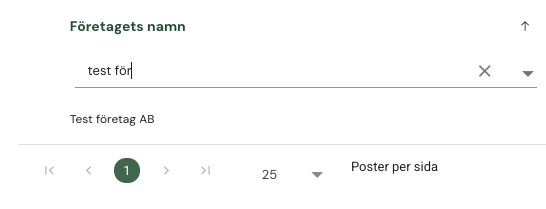
- Use the search function to quickly find the right company.
- Then click the company in the list
Step 5 – Open edit mode
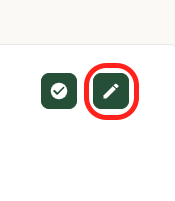
- Click the pencil.
Edit details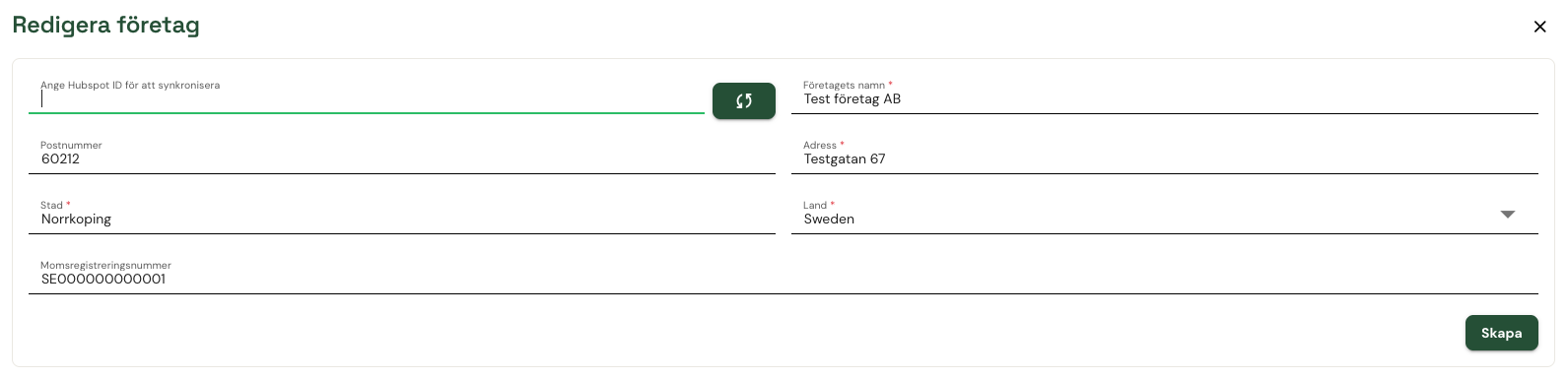
- A window opens where the company details can be edited.
Not using Vialumina yet? See how mileage logs, vehicles and charging work together in one system.
Book a demo