
← Help Center · Trips
Find your trips
This is a quick guide to finding where you see all your trips and where you can view & change general information about them
Step 1 – Go to Trips

Step 2 – Click the trip you want to see more information about

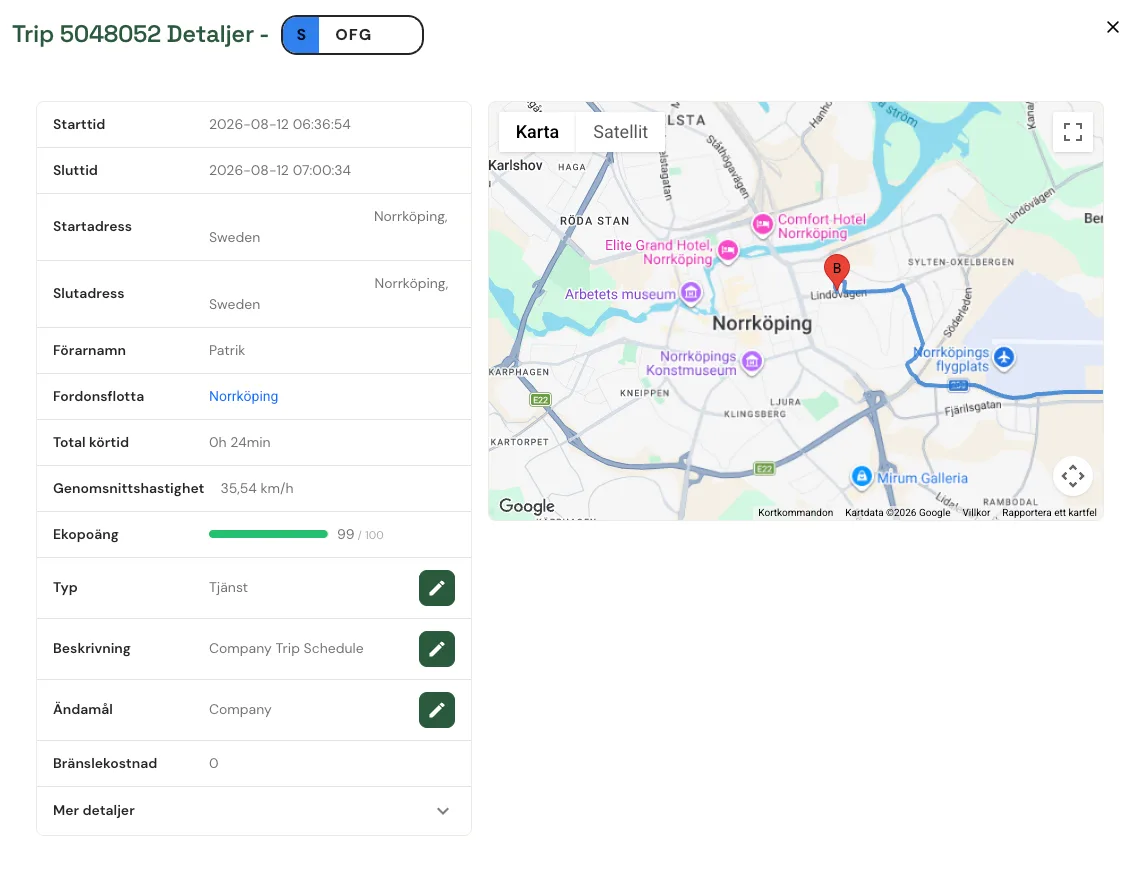
In this info box you can see general information about the trip, such as:
- Start & end time
- Start & end address
- Who made the trip
- Which fleet the car belongs to
- How long the trip took
- Average speed
- The trip type – and change it if it was a business or private trip.
Not using Vialumina yet? See how mileage logs, vehicles and charging work together in one system.
Book a demo