
← Help Center · Maps
Create a geofence
With geofencing you can create geographical areas on the map to follow up when vehicles pass or are inside a specific area. The feature is used for better control, reporting and automated events linked to vehicle position.
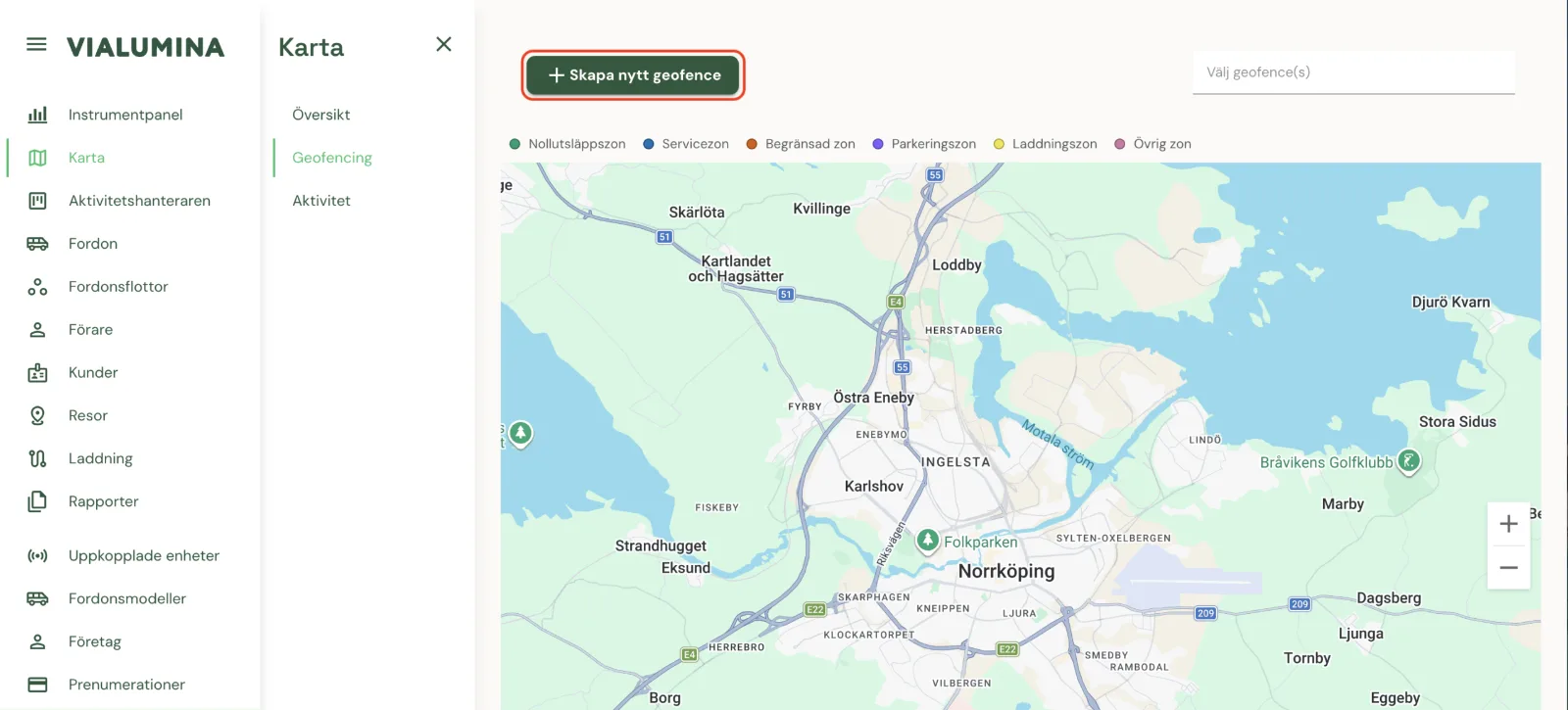
Go to the map view by clicking Map

Choose Geofencing

Click Create new geofence
Enter Name and Type

Click “Type” to see the different zones

Draw the area you want directly on the map with the drawing tool
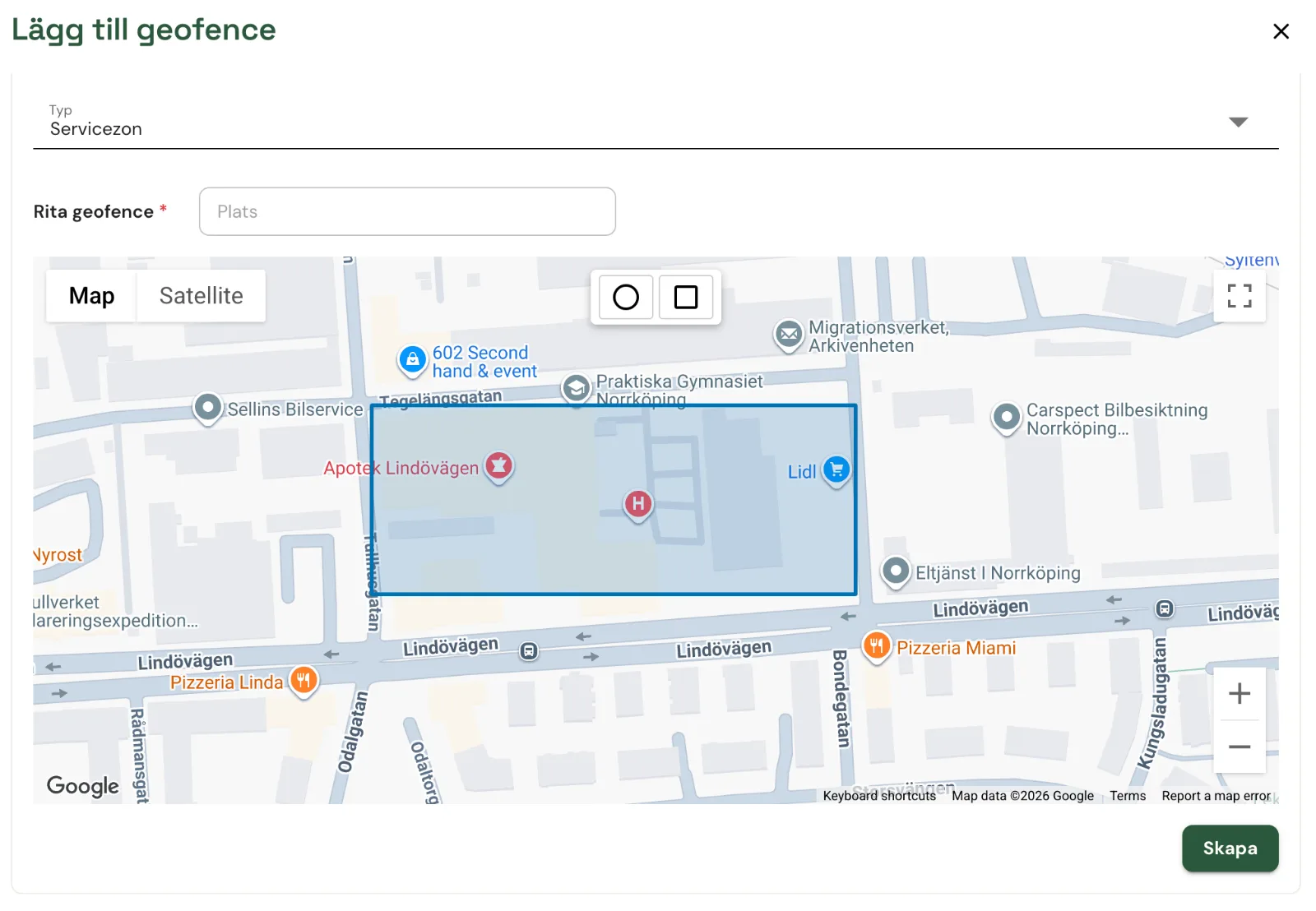
Click Create to save the geofence
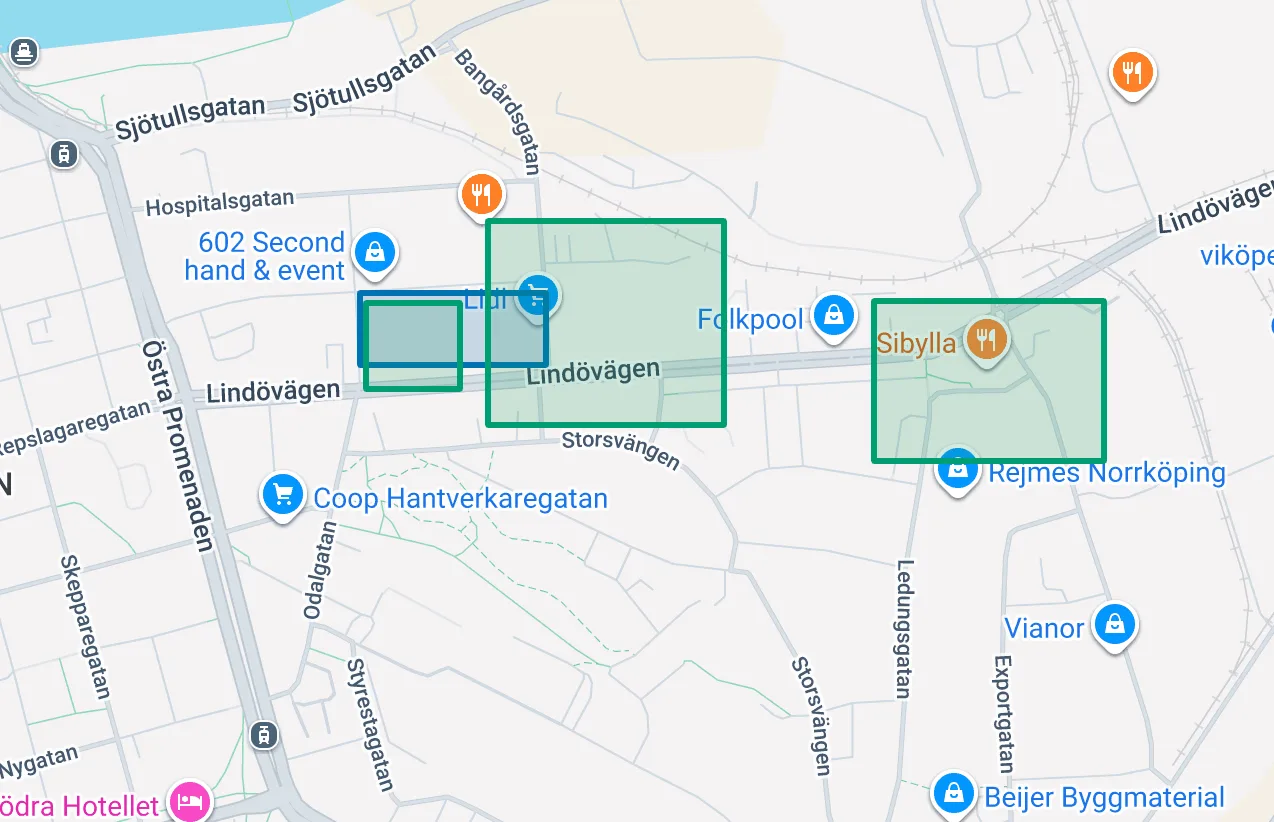
You can now see an overview of your different zones on the map.
Not using Vialumina yet? See how mileage logs, vehicles and charging work together in one system.
Book a demo