
← Help Center · Vehicle management
Change vehicle status and disconnect a GPS device
This guide shows how to change the status of a vehicle (e.g. to “Sold”) and remove the link to the GPS device.
Step 1 – Select vehicle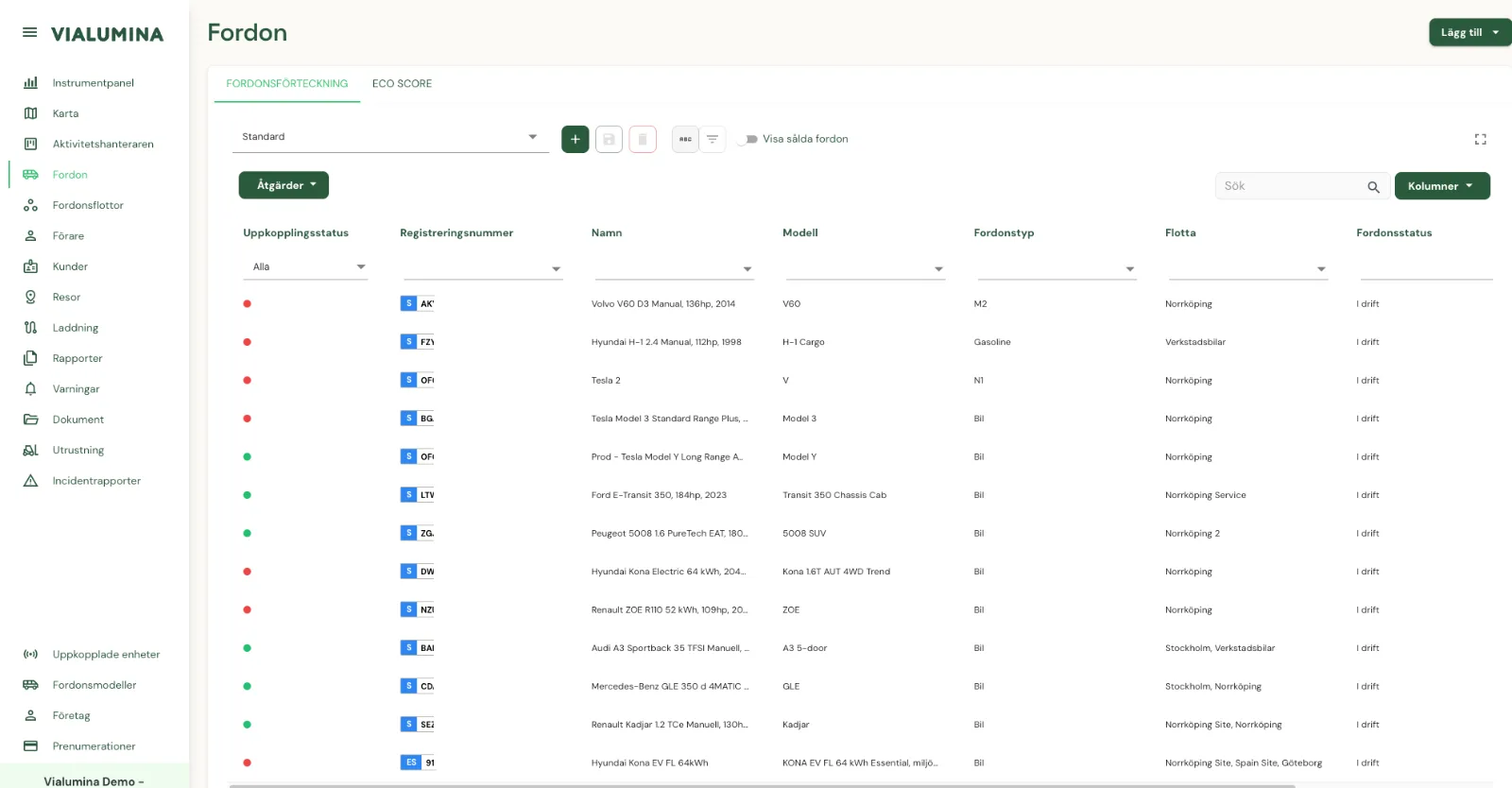
- From the vehicle list, click the vehicle you want to edit.
Step 2 – Open the edit view
- Click the cog icon in the top right.
Step 3 – Change status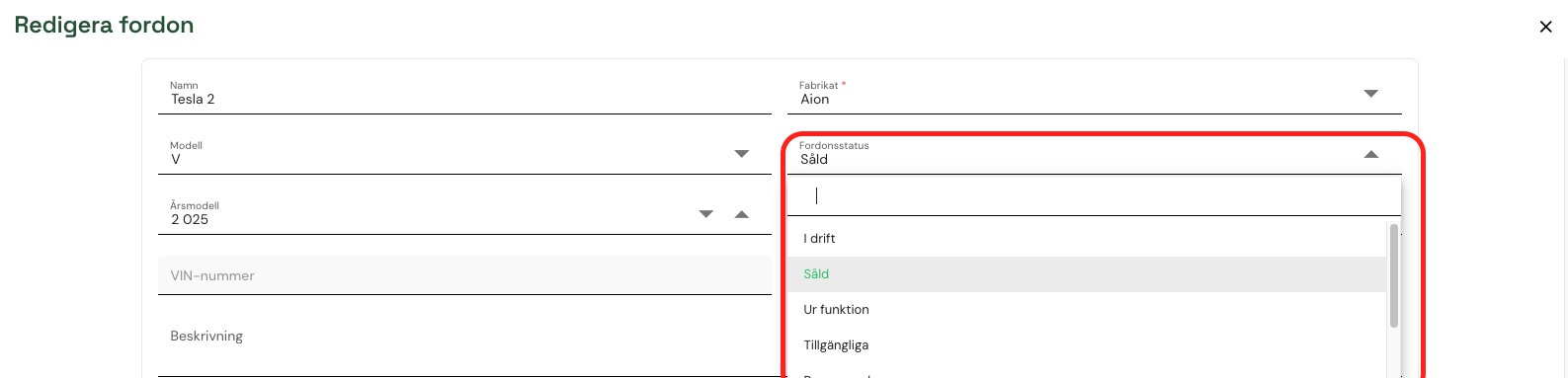
- Choose a new status, e.g. “Sold”.
Step 4 – Disconnect the device
- Remove the linked GPS device by clicking the cross (x) in the Device ID field.
Step 5 – Save changes
- Click Save to save.
Not using Vialumina yet? See how mileage logs, vehicles and charging work together in one system.
Book a demo