
← Help Center · Introduction & overview
Task manager

Go to the Task manager by clicking it in the left column.

To create a task, click Create task.
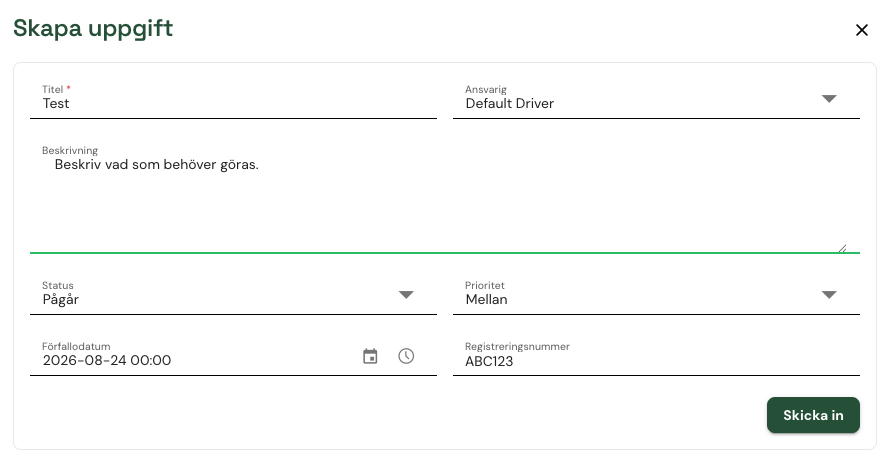
Fill in the information you want to include – anything from inspections and service to a note that some information in the system needs to be changed.
When you have filled in everything, click Submit.

You will then see your tasks filtered by status.
You can also group by vehicle to see which vehicles have open tasks.
Not using Vialumina yet? See how mileage logs, vehicles and charging work together in one system.
Book a demo